Ask any builder where their time goes, and you'll rarely hear, "One big task."
Instead, time disappears in small moments throughout the day.
Twenty minutes searching for the latest floor plan.
Ten minutes answering a homeowner's question about selections.
Fifteen minutes tracking down a subcontractor.
Another twenty minutes digging through email to confirm a change order.
Individually, these tasks don't seem significant. Together, they can consume hours every week.
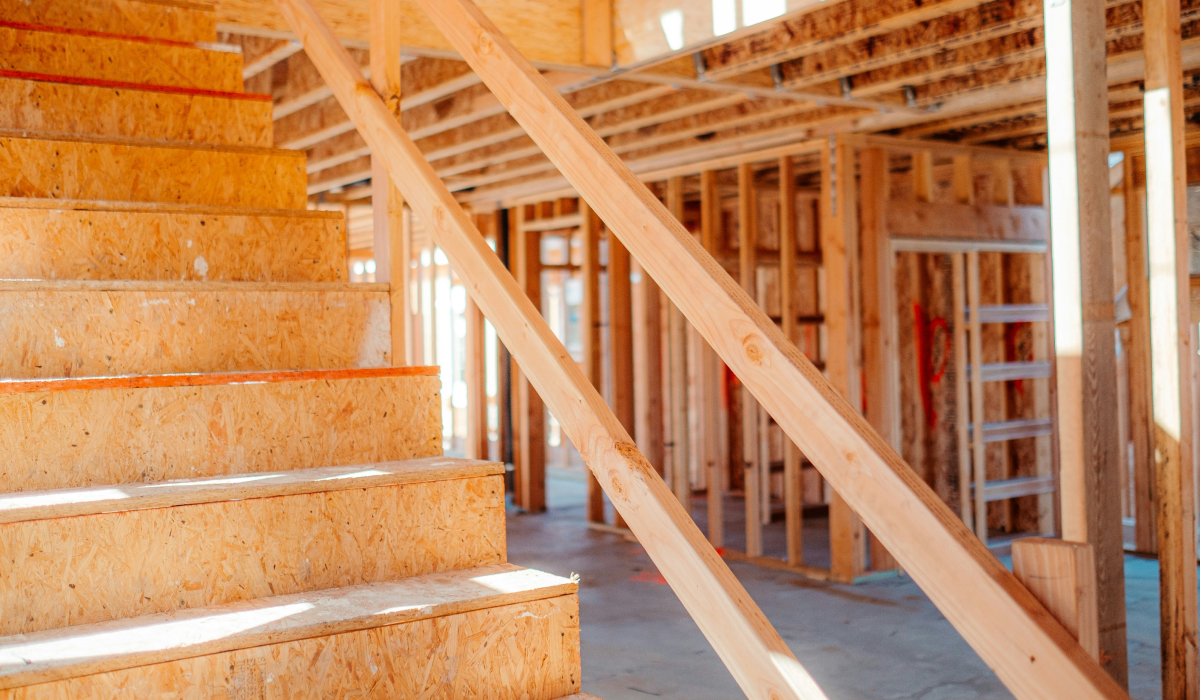
The good news is you don't need to completely overhaul your workflow to get that time back. Small improvements to how your team communicates, organizes information, and manages projects can dramatically reduce administrative work while keeping projects moving.
Here are five practical ways builders can reclaim valuable time every week.
1. Standardize Your Client Communication
Builders answer many of the same questions over and over again.
When are selections due?
Has my change order been approved?
What's happening this week?
Rather than writing every response from scratch, create repeatable communication templates that your team can use across every project.
Consider creating templates for:
- Weekly project updates
- Selection deadlines
- Change order approvals
- Warranty information
- Move-in instructions
Standardized communication not only saves time but also ensures homeowners receive consistent, accurate information.
Builders can also use project comments tied directly to plans or documents, making it easier for everyone to follow conversations without searching through emails or text messages.
As Williams Contracting shared:
"What used to take an hour or more now takes five minutes. And it's documented—you don't have to track it down six months later."
2. Create One Source of Truth for Every Project
One of the biggest productivity killers is searching for information.
Is this the latest floor plan?
Which cabinet option did the homeowner approve?
Where is the appliance schedule?
When project information lives across email, cloud storage, messaging apps, and paper files, teams waste valuable time piecing everything together.
Instead, establish one centralized location for:
- Plans
- Specifications
- Product selections
- Photos
- Change orders
- Documents
- Project conversations
When everyone works from the same source of truth, confusion decreases and collaboration improves.
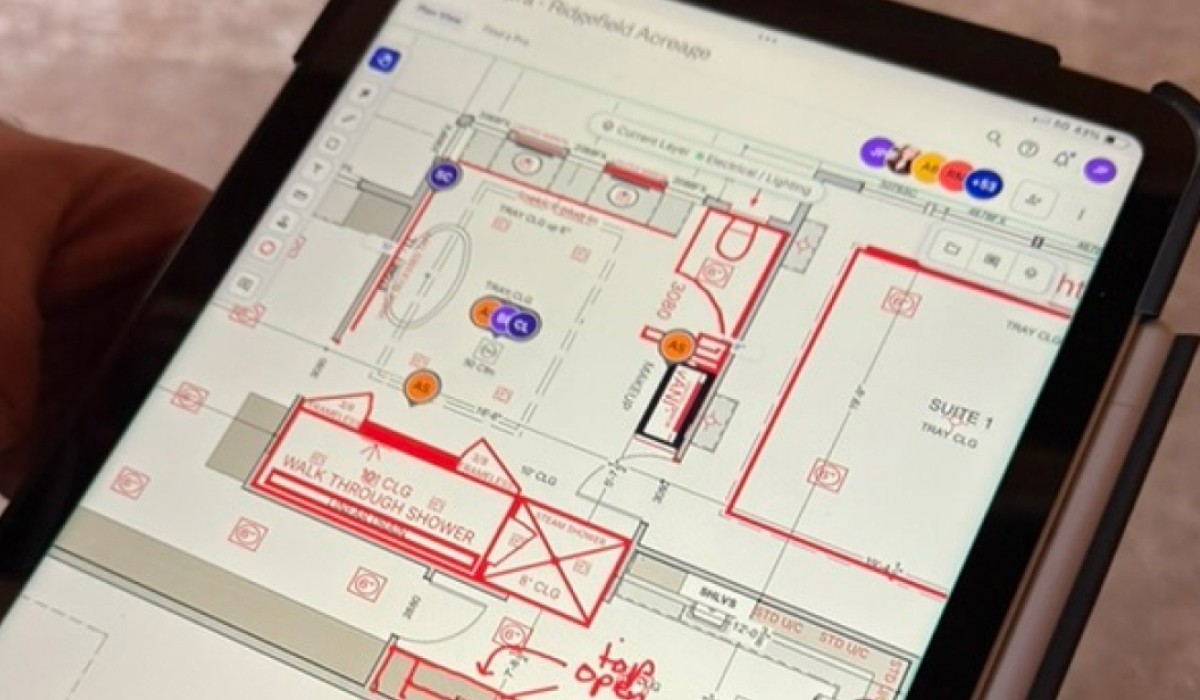
Trade partners, project managers, and field teams can quickly access the most current information from anywhere.
Williams Contracting experienced the impact firsthand:
"My team and I are both looking at the same plan. You can draw on it, leave comments, mark it up in real time. Communication has improved 100 percent."
Less searching means more building.
3. Organize Selections Visually
Selections are one of the most detail-heavy parts of the homebuilding process.
Managing finishes, fixtures, appliances, colors, and materials across multiple projects becomes increasingly difficult when information is scattered across spreadsheets, PDFs, emails, and text messages.
Instead, organize selections visually by room and keep all related information together.
This makes it easier for:
- Homeowners to review decisions
- Project managers to track approvals
- Superintendents to verify specifications
- Trade partners to install the correct products
Even better, AI-powered search tools can eliminate the need to manually hunt for information.
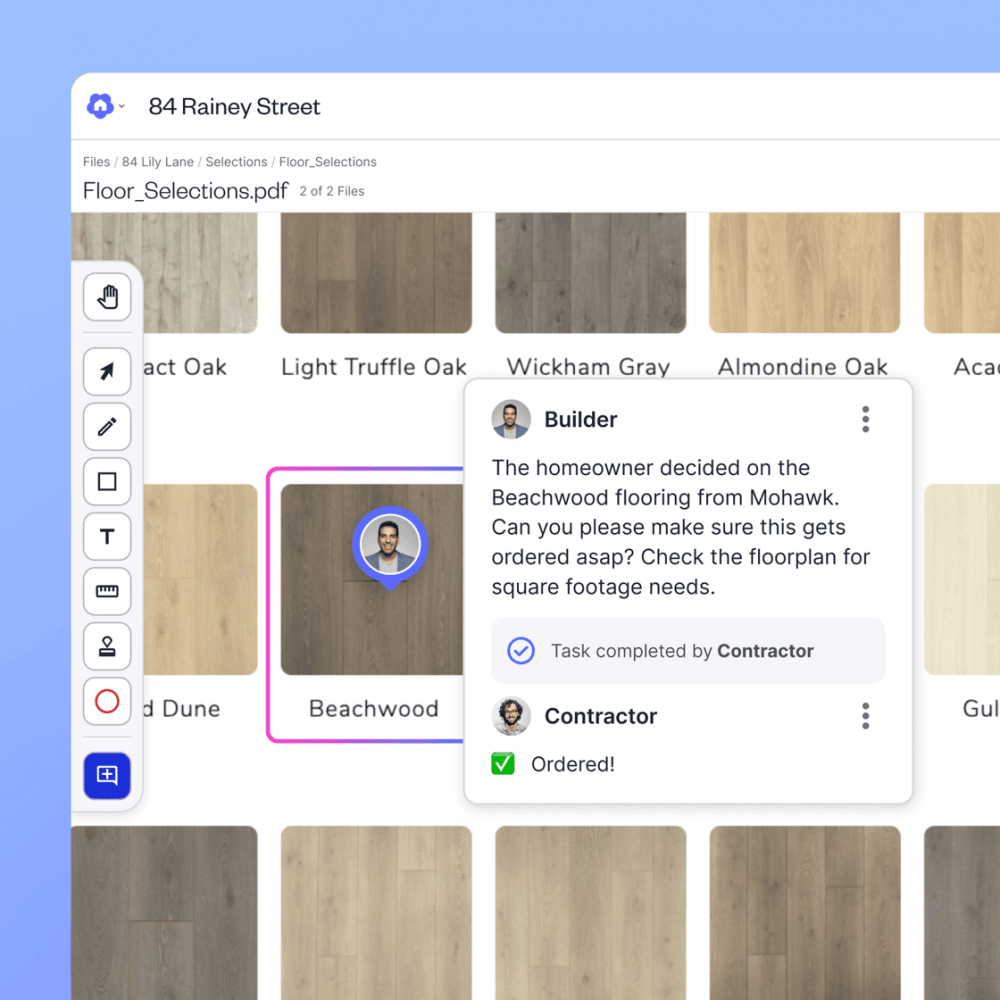
House of Ponce reports saving 5 to 10 hours every week per team member by using AskDigs to instantly find documents, specifications, and homeowner decisions.
As Shannon Ponciano explains:
"Before Digs, we'd waste hours hunting down specific model numbers or confirming which tile we chose. Now, we just AskDigs, and the answer's there in seconds."
4. Batch Administrative Tasks
Builders are experts at scheduling construction activities.
Administrative work deserves the same approach.
Constantly switching between field work, emails, invoices, scheduling, and client communication reduces productivity.
Instead, dedicate specific blocks of time each week for administrative work.
For example:
- Monday morning for scheduling
- Wednesday afternoon for invoices
- Friday for client updates
- Daily 30-minute communication blocks
Batching similar tasks reduces context switching and helps you stay focused.
The result is less time spent reacting and more time spent moving projects forward.
5. Automate Routine Tasks Wherever Possible
Automation doesn't have to mean implementing dozens of complex software integrations.
Simple automations often provide the biggest time savings.
Look for repetitive tasks you perform every week and ask whether technology can handle them instead.
Examples include:
- Automated reminders for selections
- Digital task assignments for trade partners
- Saved email templates
- Due dates for homeowner decisions
- Tagged comments for project updates
- AI-powered document search
- Self-service homeowner portals for plans and project updates
Even small automations reduce manual follow-up and keep projects moving without additional administrative effort.
As Derek Connelly of Rogue Builders explains:
"They simply leave a note on Digs. We wake up, respond, and move forward—no more phone tag or tracking email chains."
Small Time Savings Add Up to Big Results
Builders don't usually gain back hours through one major change.
They gain them by eliminating dozens of small inefficiencies that occur every day.
Saving just 20 minutes per day adds up to more than 80 hours over the course of a year for a single employee. Multiply that across an entire team, and the impact becomes substantial.
Reducing administrative work helps builders:
- Respond to homeowners faster
- Reduce costly mistakes
- Improve collaboration
- Keep projects moving
- Spend more time building instead of searching for information
Most importantly, it allows teams to focus on the work that creates the most value.
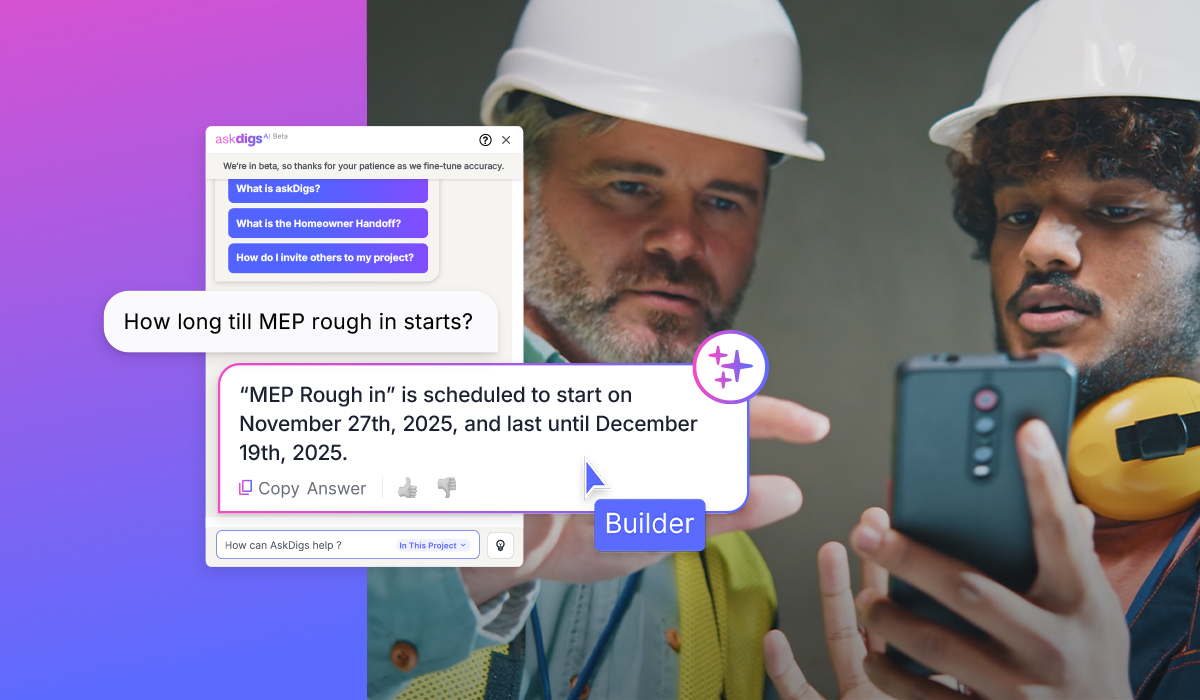
How Digs Helps Builders Save Time
Digs centralizes plans, documents, conversations, selections, approvals, and homeowner communication in one AI-powered workspace.
Instead of searching through emails, text messages, or multiple software platforms, builders can quickly find the information they need, assign tasks, collaborate with trade partners, and keep homeowners informed throughout the build.
The result is less administrative work, fewer communication breakdowns, and more time spent delivering exceptional homes.
Digs is an AI-powered collaboration software built for homebuilders. From pre-con to aftercare, it keeps your team, trades, and clients aligned with one centralized workspace for decisions, documentation, digital handoff, and ongoing warranty support.
Unlock a happier home at Digs.com
Frequently Asked Questions
How can builders reduce administrative work?
Builders can reduce administrative work by centralizing project information, standardizing communication, organizing selections digitally, batching routine tasks, and automating repetitive processes.
Why do builders spend so much time on admin work?
Administrative tasks often become fragmented across emails, texts, spreadsheets, and multiple software tools. Searching for information, tracking approvals, and responding to repetitive questions can consume hours each week.
What are the biggest time wasters in residential construction?
Some of the biggest time wasters include searching for documents, tracking homeowner selections, answering repetitive questions, clarifying plan changes, managing disconnected communication, and manually following up on approvals.
How can AI help home builders save time?
AI can instantly locate documents, answer project-specific questions, surface homeowner decisions, organize project information, and reduce the time spent searching through files and conversations.